
Can a Digital Yearbook Include Photos, Videos, and Student Messages?
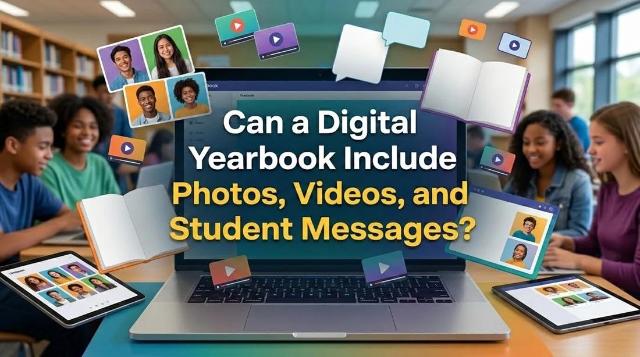
If you have ever managed a school yearbook committee, you know the drill. You spend months chasing down photos, formatting spreads, and arguing over page counts because every extra piece of paper drives up the printing cost. The print budget dictates everything. But when a school decides to move away from print, the entire rulebook changes.
People always ask exactly what a non-printed version can actually do. They want to know if it just looks like a PDF or if it functions like an app. The short answer is that modern platforms support a lot more than static images. They handle dynamic media and interactive elements that print simply cannot touch.
Expanding the Photo Layouts
Print yearbooks have strict page limits. If the basketball team only gets two pages, you have to leave out dozens of great shots. Moving to a digital school yearbook removes the physical constraint of page counts. You are no longer cutting a great candid shot just to save a few cents on printing.
Instead of a single collage, digital platforms let you create scrolling galleries or click-to-expand image grids. Students can view high-resolution photos of prom, spirit week, and daily campus life without squinting at tiny thumbnails. You still need a clean layout to keep things readable, but the absolute barrier of physical space is gone.
This also changes how you collect photos. Most platforms allow parents and students to upload their own pictures directly to a moderated queue. The yearbook adviser can then drag and drop the approved shots right into the layout.
Making Video Work in a Yearbook
Adding video is where the format really separates itself from print. Pasting a video clip of the marching band into a hardcover book is impossible. On a digital platform, video embedding is just a standard feature.
Usually, the yearbook software doesn't host massive video files directly. That would slow down the load times and eat up bandwidth. Instead, the school uploads the videos to a secure hosting service like Vimeo or a restricted YouTube channel. The yearbook then embeds these links. When a student turns to the spring musical page, they can click a play button and watch a two-minute highlight reel right there on the screen.
Practical Applications of Video
- Valedictorian speech highlights.
- Homecoming game winning plays.
- Candid, behind-the-scenes footage from seniort trip.
It turns a static memory into an actual record of what the year sounded and looked like.
Handling Signatures and Student Messages
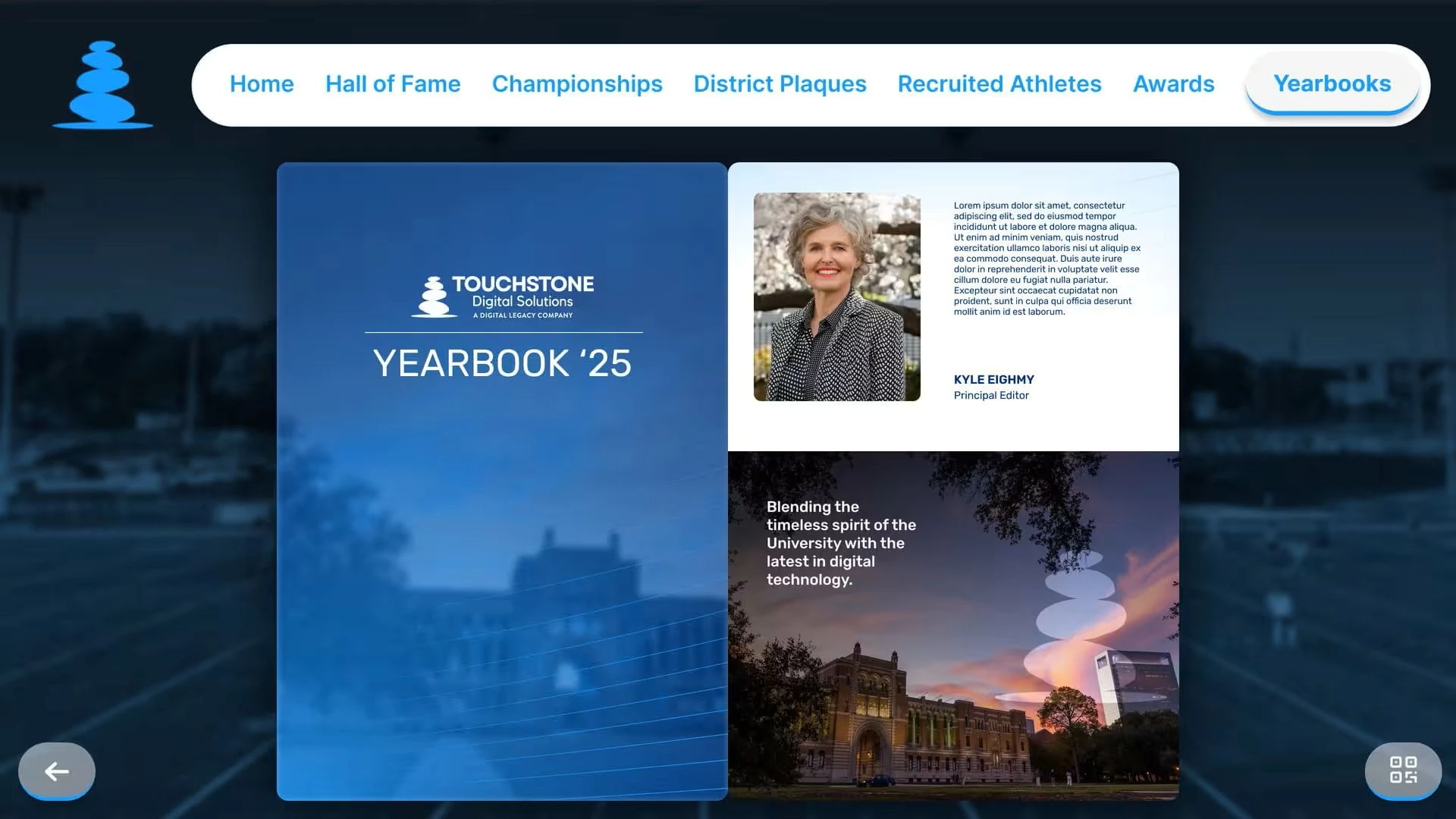
The biggest hesitation parents and students have about leaving print is the tradition of signing the yearbook. Passing a book around during the last week of school with a sharpie is a core part of the American high school experience.
Developers know this, so any competent electronic yearbook has a built-in signature function. How it works depends on the specific vendor:
- Digital Profiles: Some give each student a unique digital profile where classmates type messages into digital sticky notes.
- Stylus Support: Some apps let students draw with a stylus or their finger on a touchscreen to mimic a real signature.
The main operational difference here is moderation. In a physical book, a student can write whatever they want. Digital platforms run all messages through a filtering system. If someone tries to use inappropriate language, the system flags it. Yearbook advisers can review these flagged messages before they are permanently attached to a student's profile. It saves the administration a lot of headaches.
Navigating Privacy and Security
When you put photos and videos of minors online, privacy is the immediate concern. A physical book is somewhat self-contained, but a digital link feels exposed. Schools have strict requirements regarding student data and privacy under laws like FERPA.
Vendors handle this by locking down the final product. These aren't public websites that anyone can find on Google. They operate behind secure portals. Usually, the school provides a specific access code or a unique login link to verified students and their families.
You also have features that allow for easy compliance with administrative restrictions. If a parent has opted their child out of media appearances, a digital format allows administrators to quickly search and remove that student's tag or image before final publication. If a mistake slips through, a digital file can be updated instantly. Print three thousand books with an error, and you are stuck with it.
The Production Reality for Advisers
Switching formats changes the daily reality of the yearbook class. You spend less time worrying about CMYK color profiles, margin bleeds, and shipping deadlines. You spend more time managing digital assets, checking video permissions, and moderating uploaded comments.
It requires a different kind of organization. Your team needs to be comfortable with:
- Cloud storage folders.
- File naming conventions.
- Tracking digital assets across multiple pages.
The tradeoff is flexibility. You can include events that happen at the very end of the year. Print deadlines usually force schools to submit their final files in March or April. That means spring sports, prom, and graduation rarely make it into the book. A digital format can be updated right up until the last day of school, or even after graduation, giving a complete picture of the academic year.
Cost and Distribution Mechanics
One of the biggest drivers for this shift is the financial reality of school budgets. Traditional publishing is expensive. Those costs are always passed down to the families. A high-quality hardcover book can easily cost a student eighty dollars or more. That prices out a significant portion of the student body.
Digital formats operate on a completely different pricing model. The school usually pays a flat software licensing and hosting fee. Because there is no per-unit printing cost, the school can offer access to every single student for a fraction of the price, or even cover the cost entirely through their activity budget.
Distribution is also instant. There is no distribution day where teachers try to hand out heavy boxes of books while managing a chaotic classroom. Instead, the administration hits a publish button and sends an email blast with login credentials to the entire school community. Students can access their memories on their phones, tablets, or home computers immediately.
This accessibility is a major factor for schools looking to ensure every student feels included, regardless of their family's income level.