
Best Ad Blockers in 2026: Who Survived Manifest V3

Image Source: depositphotos.com
The best ad blockers in 2026 look very different from what most Chrome users had installed just two years ago. If you opened your browser one morning and saw a yellow warning banner reading "This extension may no longer be supported," you experienced Manifest V3 firsthand. For millions of people, it was the moment a tool they'd quietly depended on for years simply stopped working as advertised.
Chrome's extension platform has undergone its most significant architectural change in over a decade, and the collateral damage to ad-blocking software has been real. Some blockers quietly degraded. Others shipped emergency rewrites that shed features. A few simply died. And at least one beloved name — uBlock Origin for Chrome — became what its own developer called "pointless."
"The question in 2026 isn't which ad blocker looks best on a feature list. It's which ones actually still work after Manifest V3 forced a reckoning across the entire category."
This guide cuts through the noise. We explain what changed, why it happened, and which tools — extensions, apps, and browsers alike — give you reliable ad blocking today, whether you're on Chrome, Firefox, Android, or iOS.
What Is Manifest V3 — And Why Did It Kill So Many Ad Blockers?
To understand why so many ad blockers exist after Manifest V3 lost capabilities, you need to understand what the Manifest actually is. Think of it as Chrome's rulebook for browser extensions — the document that defines what extensions are allowed to do, how much system access they get, and under what conditions they can intercept data.
Under the old system, Manifest V2 (MV2), ad blockers could use a powerful API called webRequest. This let extensions intercept every network request your browser made — before it went out — and block it dynamically. An extension could maintain thousands of actively updated filter rules, match them against requests in real time, and block ads from domains that were added to blocklist databases only hours earlier. It was fast, flexible, and effective.
Manifest V3 replaced webRequest's blocking capability with a new API called declarativeNetRequest. The difference matters. Instead of intercepting requests dynamically, extensions must now pre-declare a static list of rules. And that list is capped. As of 2026, Chrome enforces a hard ceiling of 30,000 static rules per extension — a number that sounds large until you realize that uBlock Origin routinely used over 300,000 rules when fully configured.
The biggest casualty: uBlock Origin for Chrome. Its developer, Raymond Hill, ported a version called uBlock Origin Lite to comply with MV3 — but openly described it as a "crippled" experience. The full version remains available only on Firefox.
Google's stated justifications for MV3 focus on performance and security — extensions with dynamic request interception could theoretically be exploited, and pre-declared rules are easier to audit. Critics, however, point out a structural conflict of interest: Google is the world's largest advertising company, and the change that most benefits ad-blocking software happens to be the one MV3 restricts most aggressively. Whether intentional or not, the timing and design of MV3 weakened the tools most used to block Google's own revenue stream.
Firefox, importantly, has maintained full MV2 support and has no announced plans to impose the same restrictions. That decision has made Firefox the de facto home for power users who refuse to compromise.
What Makes a Good Ad Blocker in 2026?
With the landscape fractured, evaluating a Manifest V3 ad blocker extension — or any blocking tool — now requires a more nuanced checklist than it did in 2024. Here's what we look for:
- MV3 Compatibility. Does it work on Chrome 2026 at all? And at what cost to filtering power?
- Blocking Level. Network-level tools block ads across all apps; extension-level tools are browser-only.
- Cross-Platform Support. Coverage across desktop, mobile, and different operating systems.
- Privacy Policy. Does the provider participate in "Acceptable Ads" programs that whitelist paying advertisers?
- Streaming / YouTube. Can it handle the increasingly aggressive ad injection on video platforms?
- Update Frequency. Filter lists must update constantly to stay ahead of new ad-serving domains.
The Best Ad Blockers in 2026 — Full Reviews
AdLock
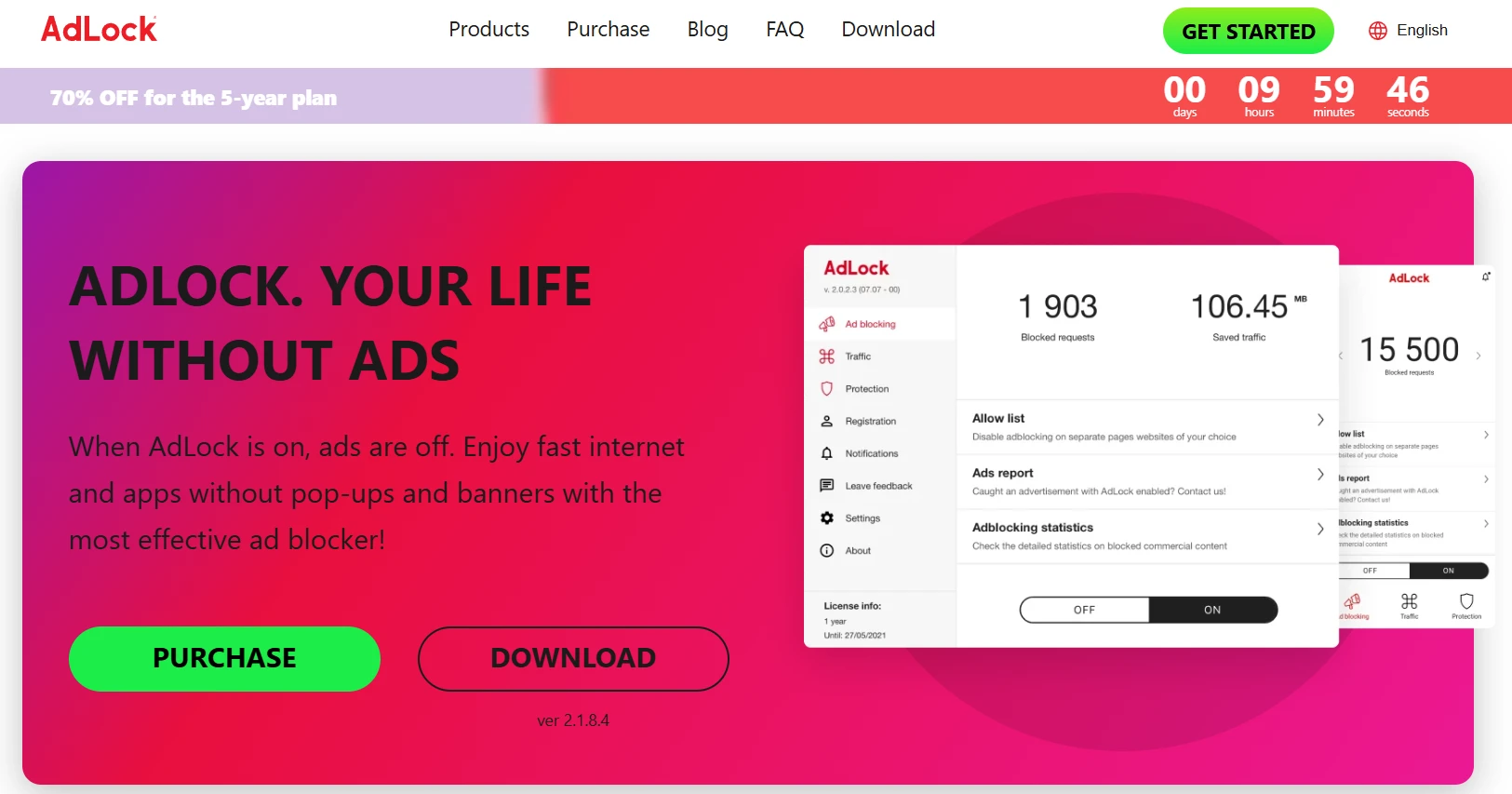
AdLock takes a fundamentally different approach to ad blocking — one that makes the entire MV3 debate irrelevant. Instead of running as a browser extension that Chrome can restrict, AdLock operates at the network level, intercepting traffic before it ever reaches your browser or any other app on your device.
This architecture means ads are blocked system-wide: in your browser, in streaming apps, in mobile games, in news apps — everywhere. No Chrome policy can touch it because it doesn't depend on Chrome's extension infrastructure at all. AdLock is available for Windows, Mac, Android, and iOS, making it one of the few tools with genuine cross-platform parity.
YouTube ad blocking is handled at the network layer, which keeps it effective even as Google attempts to close extension-based countermeasures. Privacy-focused users will appreciate that AdLock is an ad blocker that runs no "Acceptable Ads" program — everything that matches its filter lists gets blocked, full stop.
Strengths
- Blocks ads across all apps, not just browsers
- Completely MV3-proof by design
- Works on all major platforms
- No Acceptable Ads whitelisting
- Strong YouTube and streaming coverage
Limitations
- Paid product — no permanent free tier
- Requires app installation, not just a browser extension
- Less suited to users who want a quick, no-install fix
AdGuard
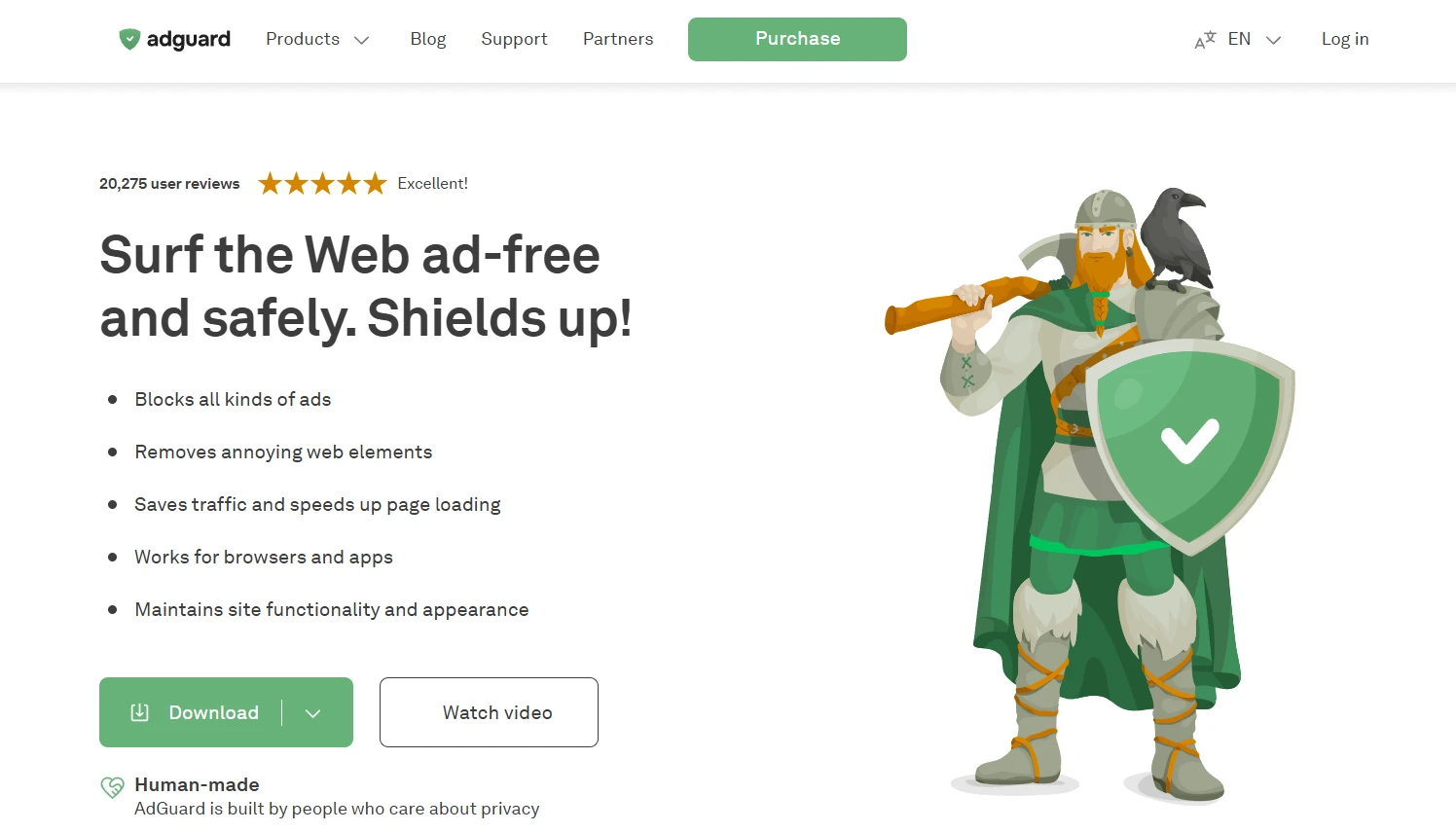
AdGuard is the strongest argument that MV3 compliance doesn't have to mean surrendering. Their Chrome extension was substantially rebuilt for MV3 and, among browser-based blockers, remains one of the most capable Chrome ad blocker 2026 options available. The team worked within the declarativeNetRequest constraints by prioritizing their most essential filter rules and using aggressive optimization to do more within the rule limit.
Beyond the browser, AdGuard also offers a standalone desktop and mobile application that, like AdLock, operates at the network level — bypassing MV3 entirely. This makes AdGuard a genuinely flexible choice depending on how deeply you want to commit.
Strengths
- Best-in-class MV3 Chrome extension
- Also available as a network-level app
- Strong filter list maintenance
Limitations
- Premium features locked behind subscription
- MV3 extension is still weaker than MV2 was
uBlock Origin Lite
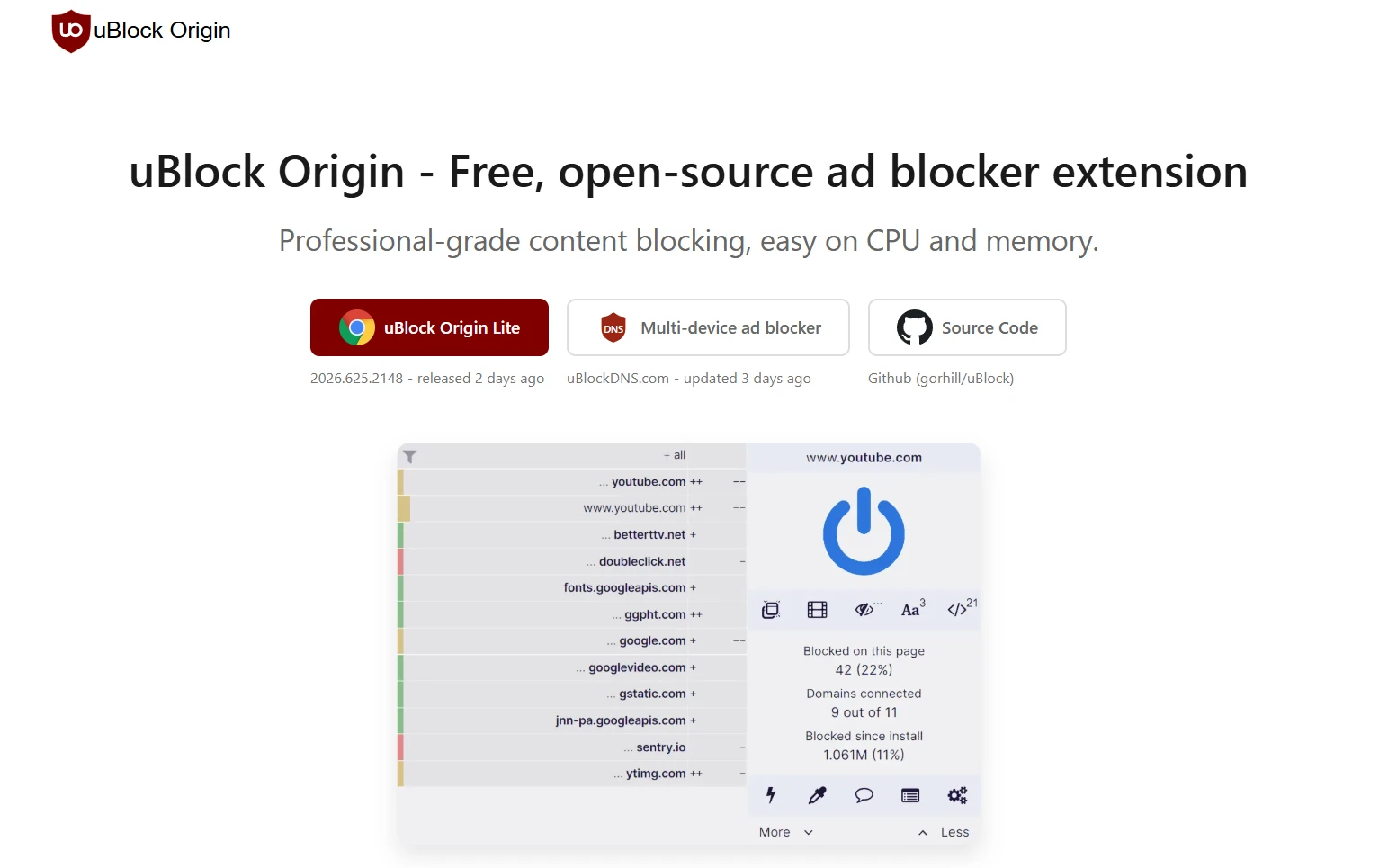
This is the protest build — a technically compliant MV3 version of the legendary uBlock Origin, released specifically so Chrome users had something rather than nothing. The developer is transparent about what Lite is and isn't: it lacks dynamic filtering, can't run cosmetic filtering the same way, and operates within Chrome's static rule caps. Calling it a uBlock Origin alternative 2026 for Chrome users is technically accurate, but it undersells how different the experience is from the original.
For Chrome users, Lite is worth installing as a baseline. But the real story is Firefox: the full uBlock Origin, unchanged and uncompromised, runs at full power on Firefox. If you use Firefox and haven't tried full uBlock Origin, it remains one of the most configurable and effective blockers ever built.
Strengths
- Free and open source
- Better than nothing on Chrome
- The full version on Firefox is unmatched
Limitations
- Significantly weaker than the original on Chrome
- No dynamic filtering
- The developer explicitly calls Chrome version "crippled"
Ghostery
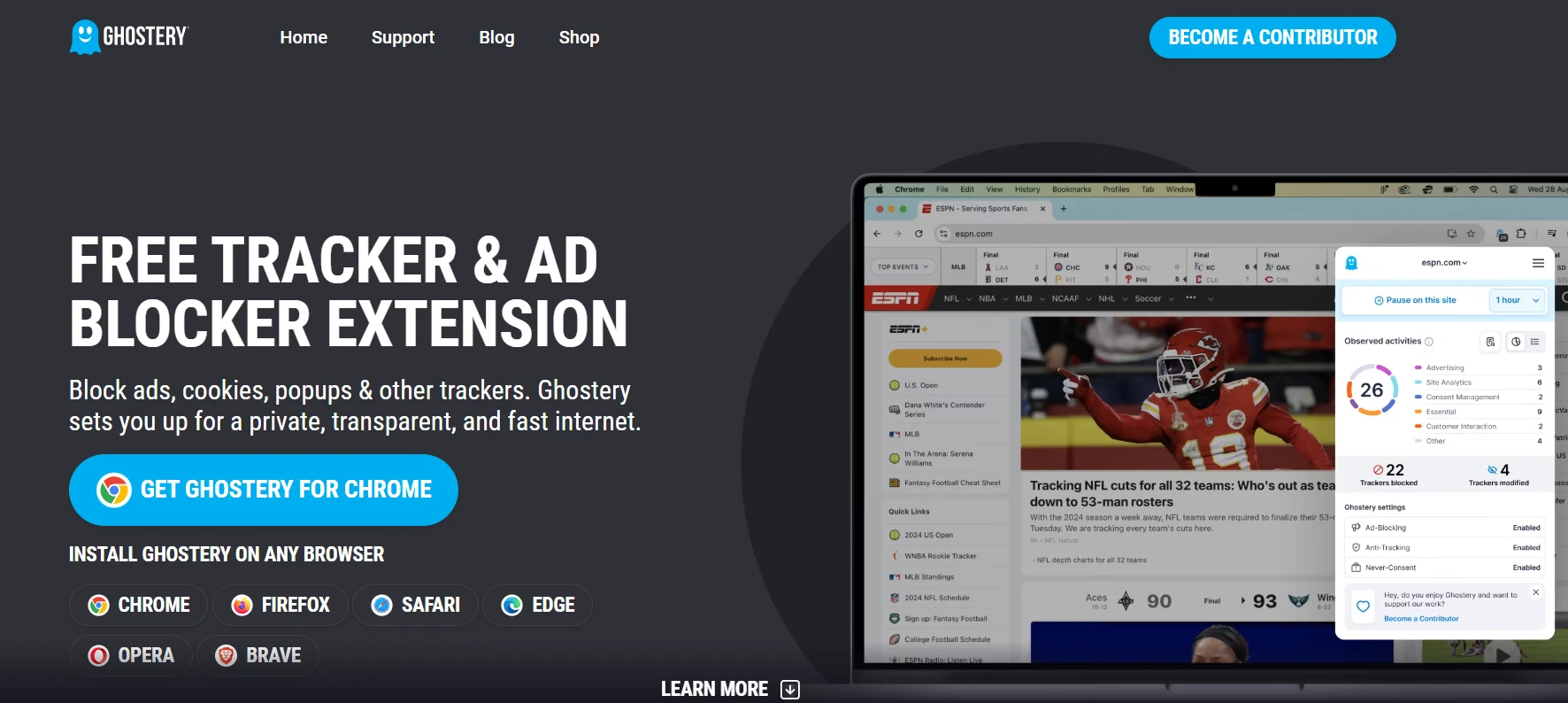
Ghostery has always prioritized tracker detection and privacy intelligence over raw ad blocking, and that identity has actually served it well through the MV3 transition. Version 10 and beyond were rebuilt for MV3, and the tracker-blocking core — which maps trackers by company, category, and purpose — remains largely intact. Ghostery lets you see not just what's being blocked, but who's trying to track you and why.
That said, Ghostery itself recommends Firefox for users who want maximum functionality. The Chrome version works, but some of the more advanced filtering that relied on dynamic rule evaluation is limited compared to the Firefox build. For privacy-focused users who want visibility into their data footprint alongside blocking, Ghostery offers something more contextual than most competitors.
Strengths
- Excellent tracker visibility and categorization
- Strong privacy-first philosophy
- Good on both Chrome and Firefox
Limitations
- Less aggressive on pure ad blocking vs. trackers
- Full features are best on Firefox
AdBlock Plus
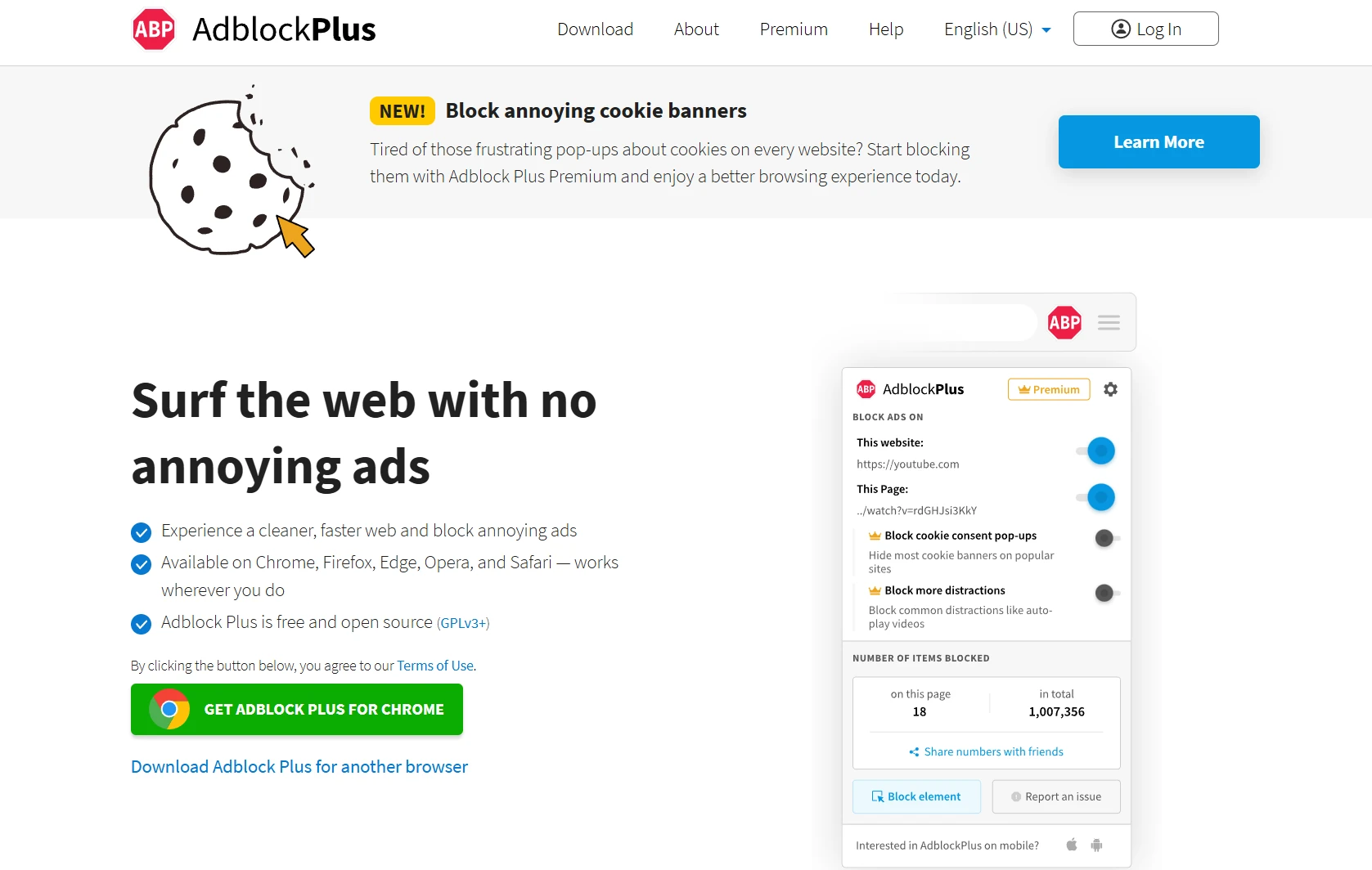
AdBlock Plus has been around for over 20 years and remains one of the most-installed browser extensions in existence. It was updated for MV3 and continues to function on Chrome in 2026. For casual users who want basic ad filtering with minimal configuration, it still works well enough as a starting point.
The significant controversy — and it's been ongoing for years — is the Acceptable Ads program. Advertisers can pay Eyeo (ABP's parent company) to have their ads whitelisted, meaning they appear even when ABP is active. This is disclosed and opt-out-able, but it fundamentally compromises the tool's claim to be a principled privacy product. For users who simply want less visual noise, that tradeoff may be acceptable. For anyone with genuine privacy concerns, it's worth noting.
Strengths
- Widely compatible, low friction to install
- MV3 compliant and actively maintained
- Large community and support resources
Limitations
- Acceptable Ads program lets paying advertisers through
- Less powerful than AdGuard or uBlock Origin on Firefox
Firefox + uBlock Origin
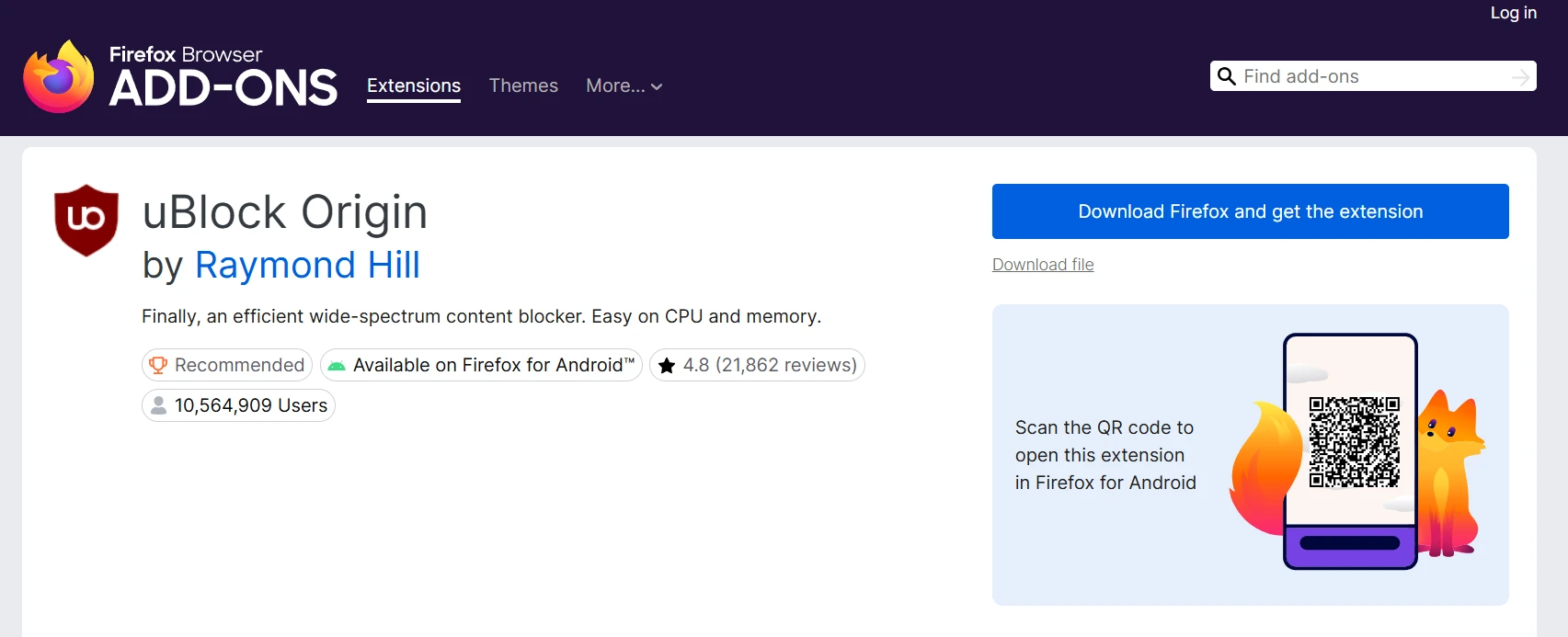
This combination remains the gold standard for power users in 2026. Firefox has explicitly declined to enforce Manifest V3 restrictions, meaning the full, unmodified uBlock Origin runs at 100% functionality. No rule caps. No static-only filtering. Dynamic filtering, cosmetic filtering, element picker, advanced mode — all of it works exactly as designed.
The tradeoff is switching browsers. For users deeply embedded in the Chrome ecosystem — saved passwords, sync, extensions — migration has a real cost. But for anyone who prioritizes ad blocking and privacy above convenience, Firefox plus uBlock Origin is still the most effective desktop browser setup available today. The combination blocks more, leaks less, and gives users finer control than anything else on this list.
Strengths
- Most powerful browser-based blocking available
- No MV3 restrictions — full dynamic filtering
- Both tools are free and open source
- Maximum user control and customizability
Limitations
- Requires leaving Chrome
- uBlock Origin has a learning curve in advanced mode
Quick Comparison: Best Ad Blockers in 2026
Every tool in this roundup takes a different approach to the MV3 problem — whether by working around it, ignoring it, or rebuilding from scratch. Here's how they stack up at a glance.
|
Tool |
MV3 Impact |
Platforms |
Free / Paid |
Best For |
|
AdLock |
Immune (network-level) |
Win, Mac, Android, iOS |
Paid |
All-app blocking, mobile |
|
AdGuard |
Rebuilt for MV3 |
All major platforms |
Free + Paid |
Chrome users, power users |
|
uBlock Origin Lite |
Degraded on Chrome |
Chrome, Firefox (full) |
Free |
Firefox users |
|
Ghostery |
Adapted v10+ |
Chrome, Firefox, Edge |
Free + Paid |
Privacy & tracker insight |
|
AdBlock Plus |
MV3 compliant |
All major browsers |
Free |
Casual users |
|
Brave Browser |
Bypassed (built-in) |
Win, Mac, Android, iOS |
Free |
Chromium users switching browsers |
|
Firefox + uBlock |
Not applicable |
Win, Mac, Linux, Android |
Free |
Maximum blocking, power users |
Which Ad Blocker Should You Use in 2026?
The right tool depends on what you're optimizing for. Here are the clearest scenario-based recommendations based on everything we've covered:
- Chrome user who wants the easiest setup. AdGuard extension is the most capable MV3-compliant option for Chrome. It won't match what MV2 used to offer, but it's the best available within Chrome's new constraints.
- Privacy maximalist. Firefox + uBlock Origin is the gold standard, with full dynamic filtering and no MV3 restrictions. No other browser-based combination comes close for sheer control and effectiveness.
- Mobile user. AdLock covers both Android and iOS with network-level blocking that works across all apps — not just the browser. For mobile, this architecture is significantly more effective than any browser extension can be.
- Wants to block ads in ALL apps, not just the browser. AdLock is purpose-built for this. Its network-level approach intercepts ads in streaming apps, games, news readers, and any other app on your device — something no browser extension can do.
- Refuses to change browsers but wants maximum Chrome blocking. AdGuard's Chrome extension is the best available within MV3 limits. Pair it with Brave if you're willing to consider an alternative Chromium browser that sidesteps MV3 entirely via its built-in Shields.
The Manifest V3 transition has permanently fragmented the ad-blocking landscape. There's no single answer that works identically for every user across every platform.
But the tools that were adapted at the architectural level — by operating entirely outside Chrome's extension sandbox — have proven most resilient. That's the lesson 2026 has made impossible to ignore.