Security | Threat Detection | Cyberattacks | DevSecOps | Compliance

12 Best WordPress Security Plugins to Protect Your Website

In 2025, more than 14,000 WordPress sites reported security vulnerabilities caused by weak passwords, outdated plugins, old themes, and configuration gaps that automated attacks detect far faster than most teams anticipate. Attackers continuously scan the WordPress ecosystem, moving from site to site in search of small vulnerabilities that naturally emerge as websites grow. That’s why strong security plugins are essential: they help seal off these common entry points.
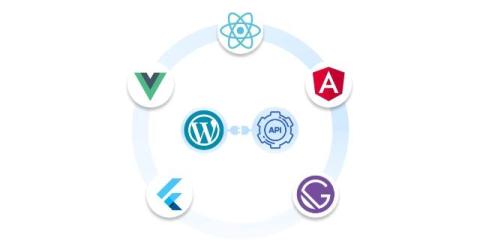
How miniOrange's GPT App Connects LLMs to Your WordPress Site

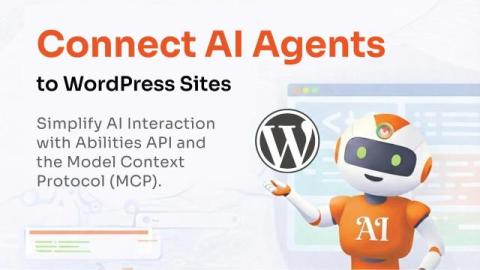
WordPress is entering a new phase in how websites are managed with the introduction of API Abilities and support for the Model Context Protocol (MCP). These updates allow WordPress core, plugins, and themes to clearly define the actions they support and how those actions should be executed. For the first time, WordPress can communicate its capabilities in a structured way that large language models can reliably understand.

2FA For WordPress Membership: 2FA for Membership Sites

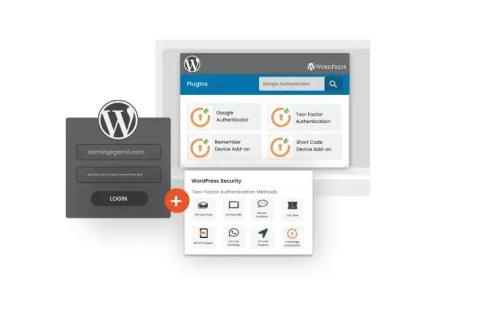
Imagine this: your WordPress membership site, thriving with exclusive content and a growing base of loyal members. But what if one breach could shatter trust, expose sensitive data, and compromise your revenue stream? That’s where WordPress Two-Factor Authentication (2FA) steps in as your ultimate defence. Let’s dive into how WordPress 2FA transforms your WordPress membership site into an impregnable fortress and why it’s a must-have for any modern membership platform.

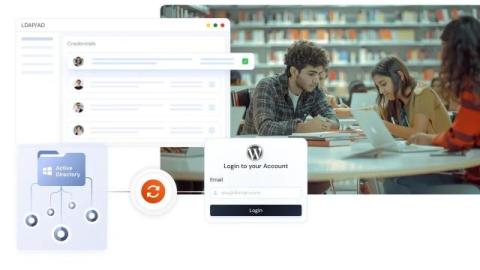
Making Student and Staff Logins Easy on WordPress with LDAP

Managing student and staff logins across different school systems can be messy and unmanageable, especially when every portal requires its own account and password. For WordPress-based education sites, it often means IT teams are stuck creating user accounts manually, resetting passwords, or dealing with duplicate profiles.

What is Headless WordPress and How Single Sign On (SSO) Secures It

WordPress powers more than 43% of all websites on the internet, making it the most widely used Content Management System (CMS) for everything from small blogs to enterprise sites. Its popularity comes from being easy to use, flexible, and supported by a large ecosystem of plugins and themes. In recent years, many businesses have started using WordPress in a new way called Headless. Industry research shows that nearly 64% of enterprise companies now use a Headless CMS strategy.

CVE-2025-9501: Identifying High-Risk WordPress Instances Using W3 Total Cache

CVE-2025-9501 is a critical remote code-execution vulnerability affecting W3 Total Cache versions prior to 2.8.13, a plugin used by more than a million WordPress sites to improve performance and caching. The issue lies in the plugin’s _parse_dynamic_mfunc handler, which can process user-controlled inputs inside dynamic fragments.

Building for the Long Game: Charlotte WordPress Developers and Sustainable Sites

That's why real businesses in Charlotte are looking for more than a quick fix. They want a partner who understands how to build digital assets that work today, scale tomorrow, and still load lightning-fast three years from now. Enter the quiet heroes of long-term success: Charlotte WordPress developers who code with foresight and optimize with purpose. Let's break down what separates sites built to last from the ones that break when you blink.

The Ultimate Guide to Affordable WordPress Hosting Options

Looking to start a WordPress website without emptying out your wallet? I have great news for you. WordPress is used to power 43.5% of all websites on the internet today. This has created a highly competitive and affordable niche of hosting plans for bloggers, small business owners and entrepreneurs. But, there's a problem... The WordPress hosting market has hundreds of different providers. With each one screaming and shouting to be the "best" and the "cheapest". So, how do you know which ones to trust and which one is actually a money-making scheme?

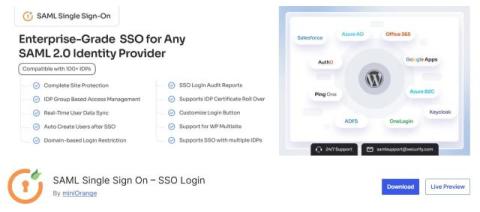
Secure WordPress Login with One Click | miniOrange SAML Single Sign On (SSO) Plugin

Managing multiple logins across your WordPress environment can be frustrating for both users and teams. The miniOrange SAML Single Sign On (SSO) Plugin eliminates password fatigue by allowing users to log in once and access everything they need. Connect your dashboard, store, forum, LMS, and more through one secure, seamless login experience, powered by SAML 2.0 and trusted Identity Providers like Google Workspace (Google Apps, Okta, Salesforce, Azure AD (Microsoft Entra ID), Keycloak, ADFS, Office 365, OneLogin, Auth0, PingOne, WordPress, Oracle, JumpCloud, CyberArk, and more.