How to Configure Jira OAuth SSO Integration with Google Workspace (Apps) | Step-by-Step Guide
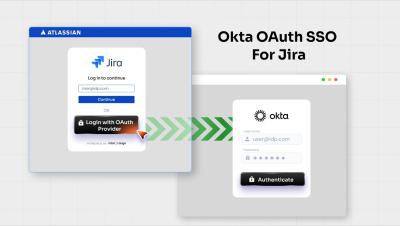
Streamline user authentication in Jira by enabling secure Single Sign-On (SSO) with Google Workspace (Apps) as your Identity Provider (IdP). Using the miniOrange OAuth/OIDC SSO app, you can provide seamless one-click login while keeping user identity centralized and secure. In this video, we guide you through the complete setup process, from creating OAuth credentials in the Google Cloud Console to configuring Jira for SSO. You’ll learn how to set up authorized redirect URIs, obtain client credentials, and map user attributes for a smooth authentication experience.