
How Viddo Holds An Incident Diagram Still While It Moves
Security notes stay readable when the diagram does not grow a second architecture. A customer brief can start from the signed drawing on viddo, then add a short motion pass that leaves every box, arrow, and label on the same page the analyst already approved.
The hour disappears in the redraw. A comms lead opens the incident slide, exports a still, and hands it to someone who rebuilds the same boxes inside a timeline tool so the note has movement. The labels drift. A trust boundary slides half a box to the left. The note then has to be checked against the original drawing before it can leave the desk, which is the check the motion was supposed to skip.
Where A Briefing Loses The Diagram
An incident note has one job before it has any motion. The reader has to see which system was touched, which path the alert took, and which control stopped it. That picture is already in the architecture slide. Motion helps only when it points at that picture. If the clip invents a cleaner layout, the note and the ticket no longer describe the same event.
The Slide That Gets Redrawn By Hand
The old cut starts with a screenshot and ends with a new drawing. Someone traces the boxes because the editor cannot move a PNG without rebuilding it. Each trace is a chance to rename a zone, drop a hop, or straighten an arrow that was crooked for a reason. The crooked arrow was the analyst's mark. Straightening it makes the brief look finished and makes the ticket harder to follow.
The Clip That Moves The Wrong Box
The failure is visible if you put the export beside the slide. The gateway box should stay put while a short pulse travels along the arrow that already exists. A wrong pass moves the gateway itself, or grows a second arrow the diagram never had. That clip is unreadable as a customer note. It has to be rejected before it sits next to the timeline, because a moving box reads as a changed architecture.
What The Old Cut Actually Costs
The cost is rework time, not a prettier transition. One status cycle can spend the afternoon on a fifteen-second motion that still has to be walked back to the slide. The analyst who signed the diagram is pulled into a second review. The comms lead holds the note. The customer sees the delay and not the craft.
A second designer does not fix the mismatch. Another pair of hands still redraws a picture that was already correct. The cheaper path is to keep the signed still as the frame and let only the emphasis move. If the labels cannot be read at the end of the clip, the pass failed, and the still goes out alone.
Count the review, not the render. A side-by-side of slide and clip is a few minutes when the boxes have not moved. A redraw review is a meeting, because the new drawing has to be accepted as a new source. The incident desk cannot afford a second source of the map.
Lock The Seed Before The Second Brief
Viddo AI treats a seed as the number that starts the look of the clip. The same number, kept in place, is how a series holds style and the people or objects already in frame. For a security desk that means the diagram's line weight and the room around the boxes should not restyle themselves between the first customer note and the update that follows.
Keep The Seed Locked For The Series
The control is a lock, not a new drawing. On the first pass, click Lock and the desk writes a seed on its own. On the next note, leave that lock on if the update should look like the same brief. If the series should change look, use the update beside the seed box and a new number is written. The diagram file stays the source. The seed only stops the style from wandering while the incident is still the same incident.
That is the protocol for a follow-up note. Same slide, same seed, a shorter prompt that names the arrow to emphasize. A new seed belongs to a different customer or a different system map, not to the update on a drawing that has not changed. The lock is what makes the second brief a continuation.
The prompt should name the thing that may move and the things that may not. "Pulse along the arrow from the gateway to the log store. Do not move the boxes. Do not rewrite the labels." A prompt that only says "make it dynamic" gives the model room to restage the diagram. The seed keeps the look. The sentence keeps the architecture. Viddo AI can hold both only if the sentence is that specific.
What The Customer Note Can Carry
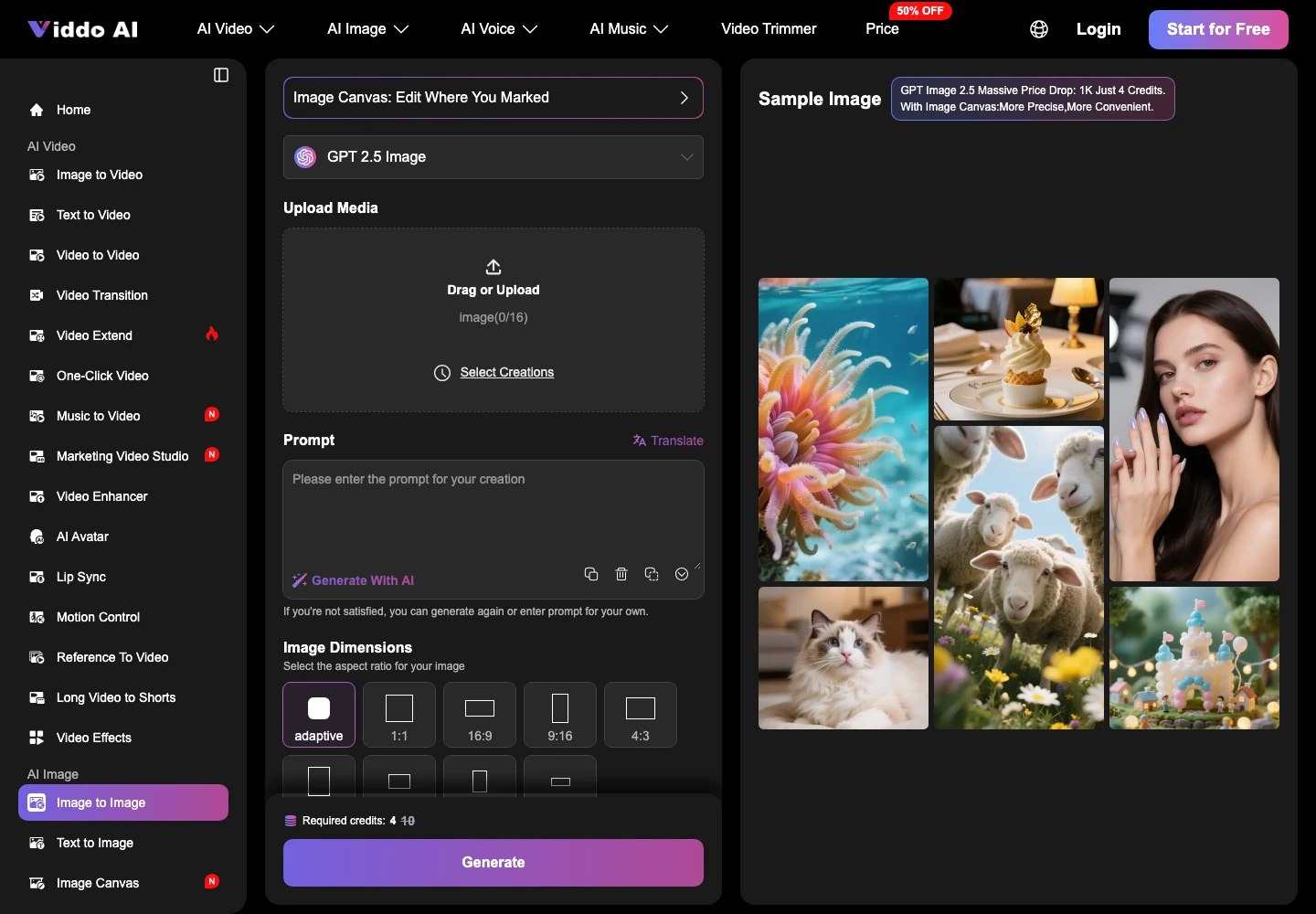
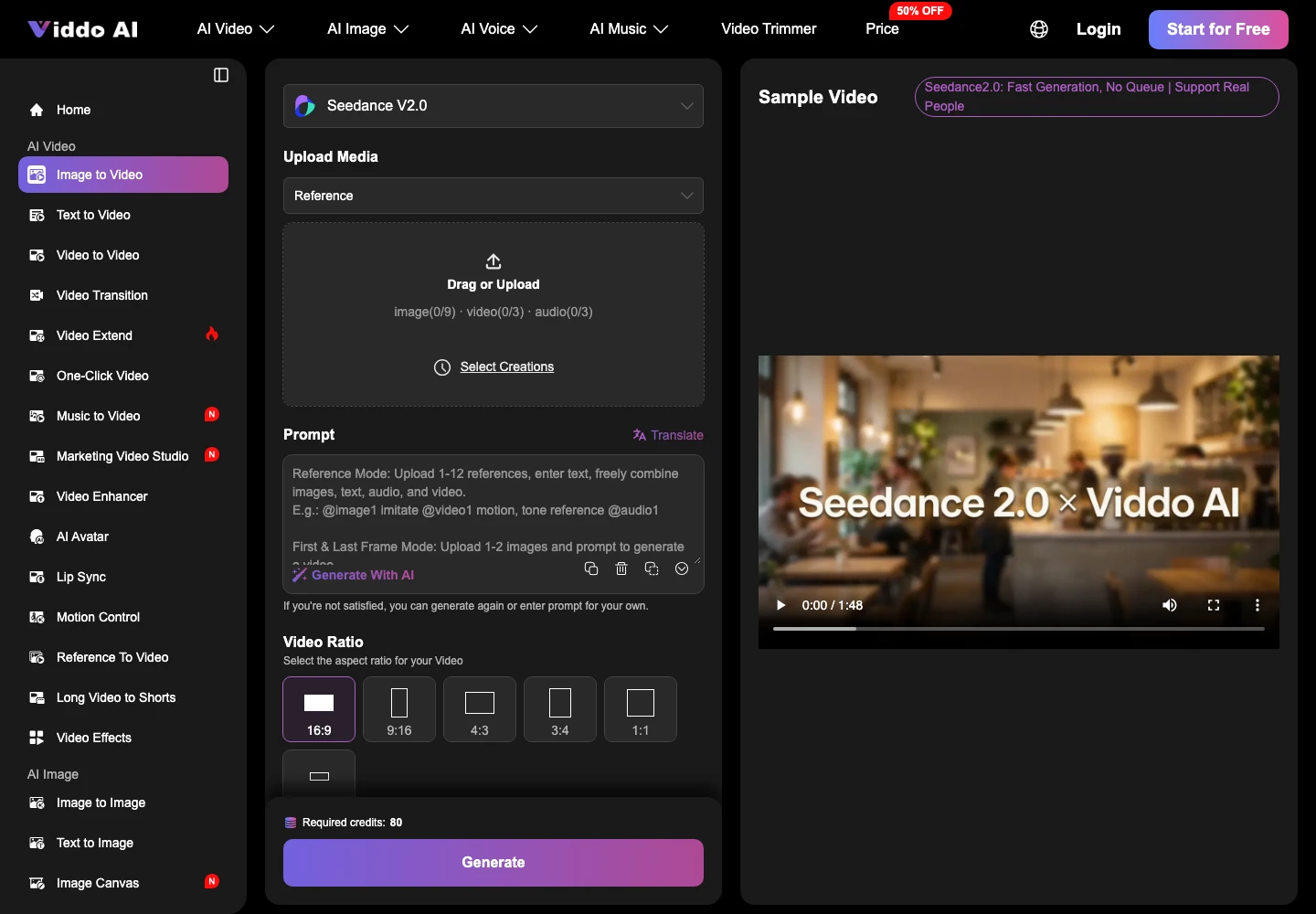
The note can carry an ai generated video when the motion is emphasis and the drawing is still the drawing. On Viddo AI the order is the model, then the diagram or the prompt, then the settings, then Generate. Put the diagram in as the image. Write the direction in the same words used on the seed pass: pulse along the existing arrow, leave the labels, do not add a box. Set length and ratio for the place the note will be read. Images come back in seconds. A video can take a few minutes, which is still inside one status cycle if nobody is redrawing the map.
Commercial use of that export sits on a paid plan. A customer-facing note is commercial use. The free desk is the wrong place to finish a brief that will leave the company. Say that once, then look at the picture.
|
Piece of the slide |
What must stay |
What may move |
|---|---|---|
|
Zone labels |
The words the analyst typed |
None |
|
Arrows |
The path already drawn |
A pulse along that path |
|
Boxes |
Position and name |
A slight emphasis, not a relocation |
Read the table against the export, not against the prompt. If a label is gone or a box has traveled, the row failed and the clip does not ship. The still is already good enough for the note.
A Brief That Still Matches The Diagram
The comms lead keeps the signed diagram as the picture and uses Viddo AI only for the emphasis, with the seed holding the next update in the same look. The cycle is not spent tracing boxes. The analyst's review is a side-by-side of slide and clip, which is a short check, not a rebuild.
Use the motion when the arrow is the point of the update. Send the still alone when the words on the boxes are the point. Either way the architecture the customer reads is the one that was signed, and the note does not ask the reader to trust a second map.
A follow-up brief then starts from the same file and the same locked seed. The incident can change. The map should not change unless the analyst changes it on the slide first.