Debit card fraud can happen in an instant, and once your money is gone, getting it back isn’t always easy. Watch this short video to learn 10 simple ways to protect your debit card from fraud.
Weak passwords make it easy for hackers to access your accounts. A password generator creates strong, unique passwords that help keep your information safe. In this video, we’ll explain why you should use a password generator, the difference between passwords and passphrases and what to look for in a secure password generator.
Scammers are targeting Medicare recipients with fake phone calls designed to steal personal information. Watch this short video to learn how Medicare scam calls work, common scams to watch out for and how to protect yourself.
A hacked email can put multiple accounts at risk of being compromised, which is why knowing the signs of a hacked email is important. Watch this video to learn the warning signs of a compromised email account and what to do if you’ve been hacked.
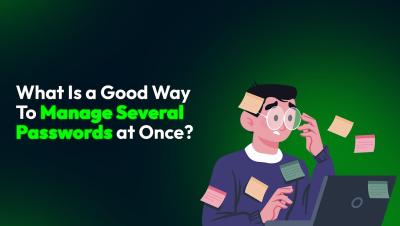
Struggling to remember all your passwords? Using weak or reused passwords puts your online accounts at serious risk. In this video, we’ll show you the best way to securely manage multiple passwords at once — without the frustration of forgetting them!
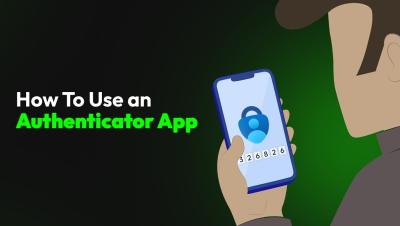
Want to keep your online accounts secure? An authenticator app adds an extra layer of protection by generating time-sensitive codes for your logins. In this video, we’ll walk you through the simple steps to set up and use an authenticator app, ensuring your accounts stay protected from hackers.
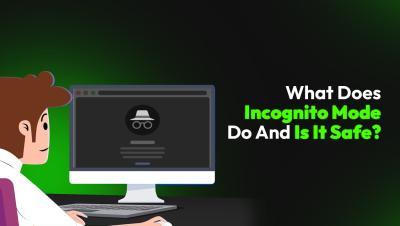
Think incognito mode makes you invisible online? Think again. Watch this short video to learn what incognito mode actually does and the safest way to browse privately.
Organizations face a variety of challenges when securing privileged access while meeting strict compliance requirements, especially in remote environments. Remote employees, third-party vendors and contractors often need elevated permissions to access critical systems from outside an organization’s network, which can introduce security vulnerabilities if not managed properly.
Keeper’s latest update to One-Time Share enables two-way sharing between Keeper users and non-users, providing an easy and secure way to exchange confidential information and files. Upon creating a One-Time Share link, simply check “Allow recipient to edit record fields and upload files” to activate the bidirectional functionality of the One-Time Share link. Once received, the recipient can upload file attachments and enter any other requested information or notes.
Unwanted pop-ups, a slow system or a homepage you don’t recognize could be signs of spyware. In this video, we’ll show you the warning signs of spyware and how to remove it from your laptop. Don’t let cybercriminals spy on you — take action now!