Security | Threat Detection | Cyberattacks | DevSecOps | Compliance

CrowdStrike & Rubrik Customer Content Update Recovery For Windows Hosts

Joint customers utilizing Rubrik for immutable backup are recommended to utilize Rubrik in-place recoveries for impacted Windows VMware Virtual Machines (VMs), standard VM restores for Azure VMs, AWS EC2 instances, and live mounts for Hyper-V and AHV VMs. For VMware VMs this significantly reduces the recovery time by only recovering the changed blocks required to revert the VM to a snapshot before the 04:09 UTC CrowdStrike host update.
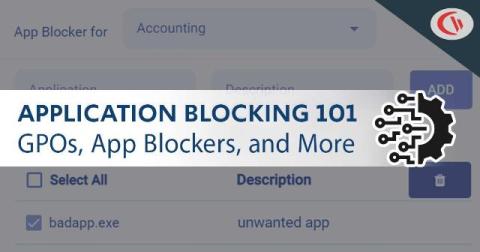
How To Block EXE Files In Group Policy (& Other App Blocking Methods!)

In today’s digital landscape, safeguarding your organization’s network from unauthorized applications is paramount. One effective strategy is blocking executable (.exe) files using application blocking software or an Active Directory Group Policy. This tutorial will provide step-by-step guides that will teach you how to block executable files in Windows using various methods.

Windows Spotlight - Configurations for Your Lock Screen

Windows Spotlight automatically displays a variety of high-resolution lock screen images. These come from various sources, including Bing searches, professional photographers, and Microsoft’s own collection. It's available on Windows Enterprise and Education editions only. The images encompass a variety of subjects from nature scenes, cityscapes, and architectural marvels to keep a fresh login screen.

Act as Part of the Operating System Windows Security Setting

A process in Windows is a program which runs on the system, this can be anything from document editing software to games. The Windows security setting act as part of the operating system grants the capability to a process to assume the identity of any user and then gain access to the resources that the user is authorized to access.

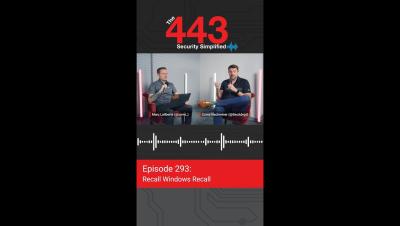
Recall Windows Recall - Ep. 293 - The 443 Podcast

Don't miss Episode 293 of The 443 Podcast! Corey Nachreiner and Marc Laliberte dive into a new Microsoft Windows feature that is shaping up to be a security nightmare. Before that, they discussed a new research initiative from the Advanced Research Projects Agency for Health (ARPA-H) that could make big improvements in healthcare cybersecurity.

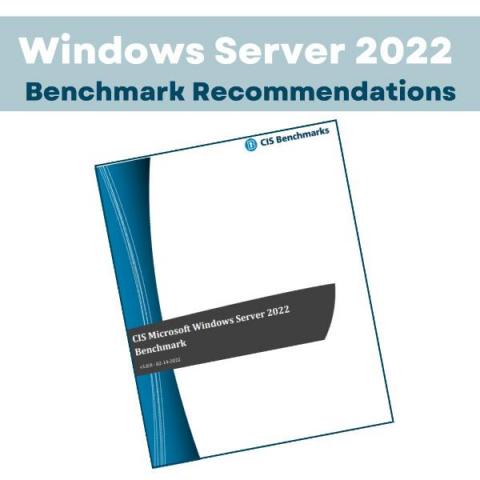
Windows Server 2022 CIS Hardening Script Recommendations

In February 2022, the Center for Internet Security (CIS) released the CIS Microsoft Windows Server 2022 Benchmark v1.0.0, providing security best practices for establishing a secure configuration and hardening guide for Microsoft Windows. For automation of CIS benchmarks, Get in Touch. Following this release, CIS updated their recommendations for older operating systems, extending back to Windows Server 2008 where applicable. Below we discuss CIS Windows server 2022 hardening script we feel are critical.

Phishing Campaign Abuses Windows Search to Distribute Malware

Researchers at Trustwave warn that a phishing campaign is distributing malware via HTML attachments disguised as invoices. Notably, the HTML files abuse the Windows Search protocol to launch Windows Explorer and trick users into installing the malware. “Trustwave SpiderLabs has detected a sophisticated malware campaign that leverages the Windows search functionality embedded in HTML code to deploy malware,” the researchers state.

Search & Spoof: Abuse of Windows Search to Redirect to Malware

Trustwave SpiderLabs has detected a sophisticated malware campaign that leverages the Windows search functionality embedded in HTML code to deploy malware. We found the threat actors utilizing a sophisticated understanding of system vulnerabilities and user behaviors. Let’s break down the HTML and the Windows search code to better understand their roles in the attack chain.