Security | Threat Detection | Cyberattacks | DevSecOps | Compliance



Introducing Teleport Access Plane for Linux and Windows Hosts
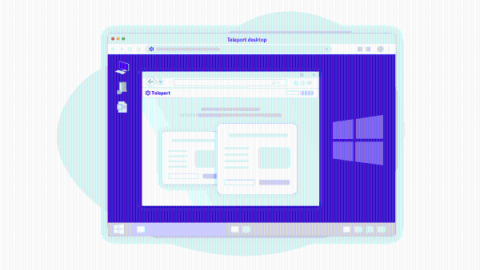
We are excited to welcome Windows hosts to the Teleport Access Plane. For the past 5 years we’ve helped refine our Access Plane for Linux hosts, providing short-lived certificate-based access, RBAC and developer-friendly access to resources. As we’ve rolled Teleport to larger organizations, we found that people wanted the same convenience and security of Teleport but for Windows hosts.
Getting started with Teleport Desktop Access for Windows Servers
Introducing Teleport Desktop Access


Teleport 8 - Introducing Desktop Access
If your organization runs cloud-native workloads on a mixed infrastructure of Linux and Windows, this announcement of Teleport 8 is for you! TL;DR Teleport 8 enables easy and secure remote access to a mixed fleet of Linux/SSH and Windows/RDP hosts via a single TCP/IP port. Before we dive deeper into how it works, let’s introduce Teleport to new readers of this blog.
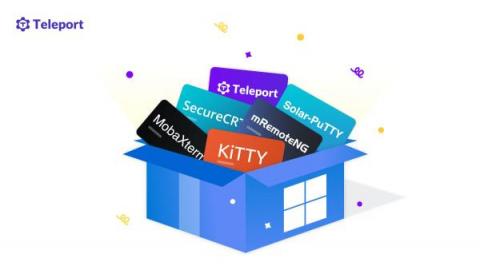
Choosing an SSH Client on Windows
In today’s IT environments, operating systems blend into each other. In on-premises and hybrid or public cloud scenarios, Windows clients connect to Linux-based web servers and Kubernetes containers or microservices. There are several Windows-friendly SSH clients available to keep these connections secure.
How to Pass a FedRAMP Audit for SaaS Providers: Part 2
In our last blog post How to Pass a FedRAMP Audit for SaaS Providers: Part 1 , we looked at what FedRAMP is and why it matters for SaaS providers. We also discussed a success story with one publicly traded Teleport SaaS customer who used Teleport to pass their FedRAMP audit.
Using Teleport to Secure SSH and Kubernetes Access
How to Pass a FedRAMP Audit for SaaS Providers: Part 1
You work at a SaaS provider, and now you need to pass a FedRAMP audit. If that describes you, read on. This post will tell you (almost) everything you need to know about how to pass a FedRAMP Audit. For the rest, reach out to us. We will put you in touch with one of our Solution Engineers like me who have helped some of the largest SaaS providers in the world pass their FedRAMP audit prior or after IPOing. It’s what we do.