Security | Threat Detection | Cyberattacks | DevSecOps | Compliance

To the Point: 11th Hour No More - How Fulton County Beat the Windows 11 Clock

With Microsoft officially ending support for many Windows 10 versions on October 14, 2025, public sector organizations are racing to modernize their environments. But Fulton County, Georgia, isn’t racing—they’re leading. In this episode, we sit down with Terrence Slaton, CISO of Fulton County, to unpack how his team successfully executed a large-scale migration to Windows 11 across critical government systems—with speed, certainty, and zero disruption to essential services.

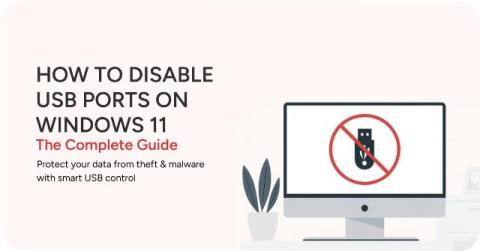
How to Disable USB Ports on Windows 11: The Complete Guide (2025)

Unsecured USB ports on Windows devices pose significant security risks, from data theft to malware injection, making robust control essential for data loss prevention (DLP) and regulatory compliance. Basic methods exist within Windows 10/11 itself, such as using Device Manager, Registry Editor, or Group Policy Editor. These built-in options often lack centralized management, specific device whitelisting, and temporary access features necessary for comprehensive enterprise-level security.

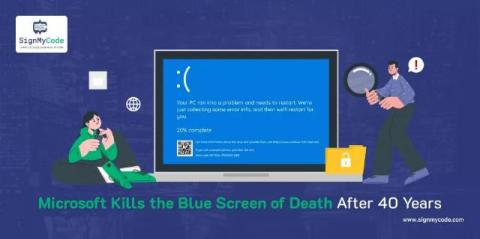
Microsoft Kills the Blue Screen of Death After 40 Years: Meet the New Black Screen of Death

Microsoft just made history. But not the kind you’re used to. For nearly four decades, the Blue Screen of Death (BSOD) haunted Windows users. One minute you’re sipping coffee. Next, your screen goes blue with a sad emoji and cryptic codes. However, Microsoft has now officially pulled the plug on this iconic crash screen.

Clash for Windows: Key Features and How to Use It Safely

The demand for web privacy and secure Internet access has sharply increased recently. As a result, many users are scrambling to find essential tools to guarantee online privacy and safety, such as Clash for Windows, one of the more popular tools. It comes with some powerful features that not only protect privacy but also improve the browsing experience. This post examines its main features and how it can be used safely.

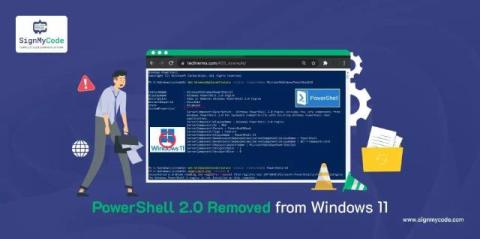
Microsoft Retires PowerShell 2.0 in Windows 11

The move to remove PowerShell 2.0 from Windows 11 is strategic and long overdue. Microsoft is making this move to embrace modern, secure, and efficient system tools. PowerShell 2.0 has many inherent security issues tied to the deprecated framework and its reliance on deprecated encryption & validation protocols.

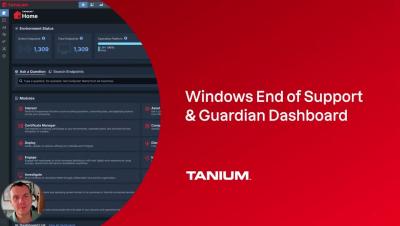
Windows 10 End of Support - Upgrade and ESU Options - Tanium Tech Talks #130

This is not a surprise. Microsoft announced end of support for Windows 10 a long time ago. Are you ready? Tanium can identify those last remaining machines and help you remediate them quickly. Tanium dashboards track Windows 10 versions, hardware compatibility, ESU licensing, and more.